Follow the club
Open the Zwift Companion app and follow @daytimecycling under Clubs.

Day Time Cycling Virtual Ride Club
Weekly indoor group rides on Zwift, open to the Day Time Cycling community. Show up, settle in, and ride together through the winter.
Stay connected indoors
The Virtual Ride Club is an easy way to keep riding with the community when the weather turns. Join scheduled workouts and group rides through Zwift, train together, and keep the social side of riding alive from home.
How to join
Open the Zwift Companion app and follow @daytimecycling under Clubs.
Open the club event and tap the + icon to join the scheduled workout or ride.
Be ready about five minutes before the start so you are in the event before the group rolls.
What you need
You do not need a complicated setup. A compatible trainer, a device that can run Zwift, and a stable internet connection are enough to get started.
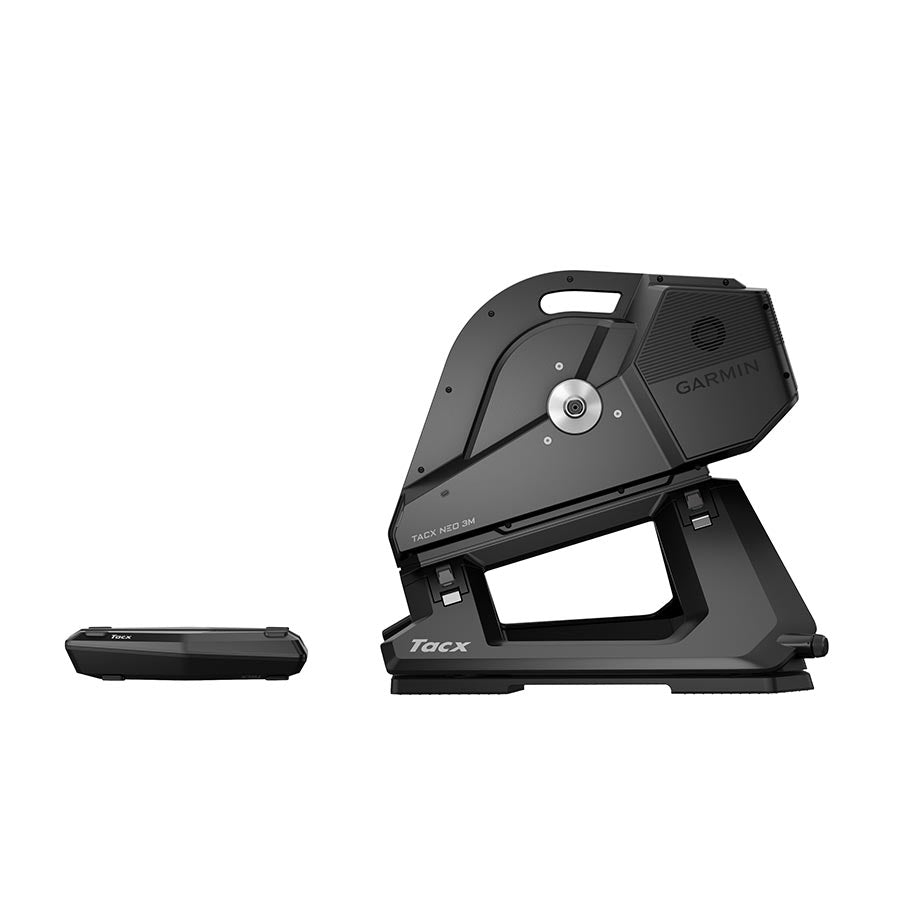
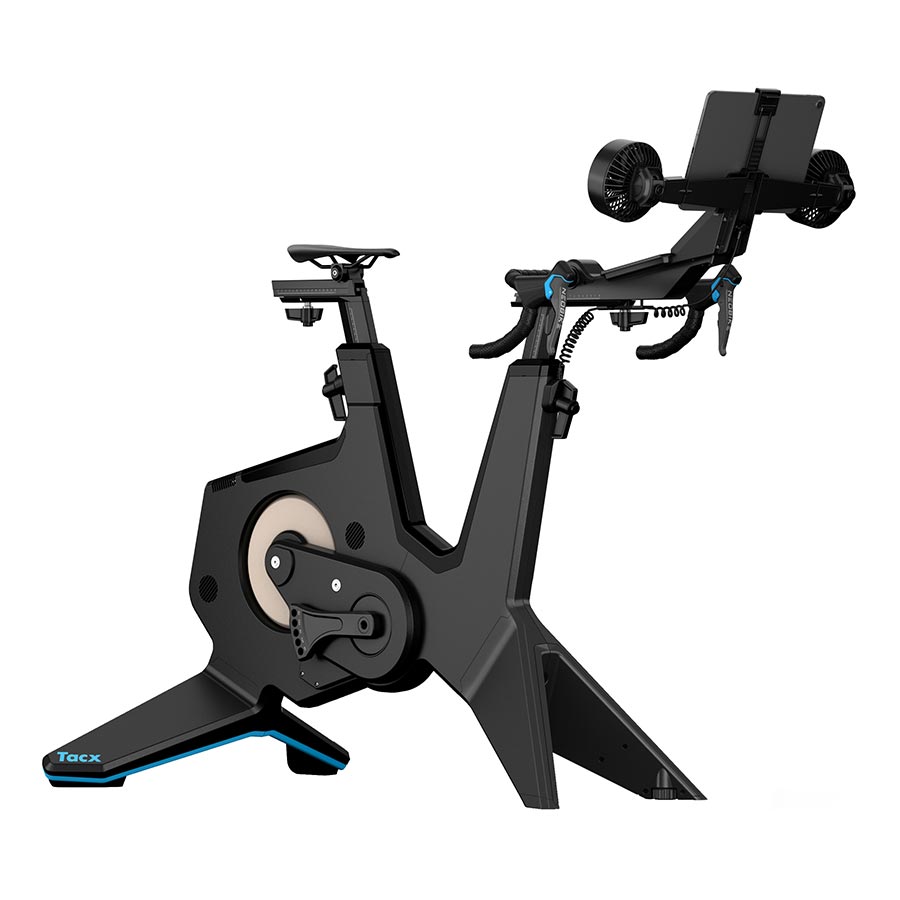
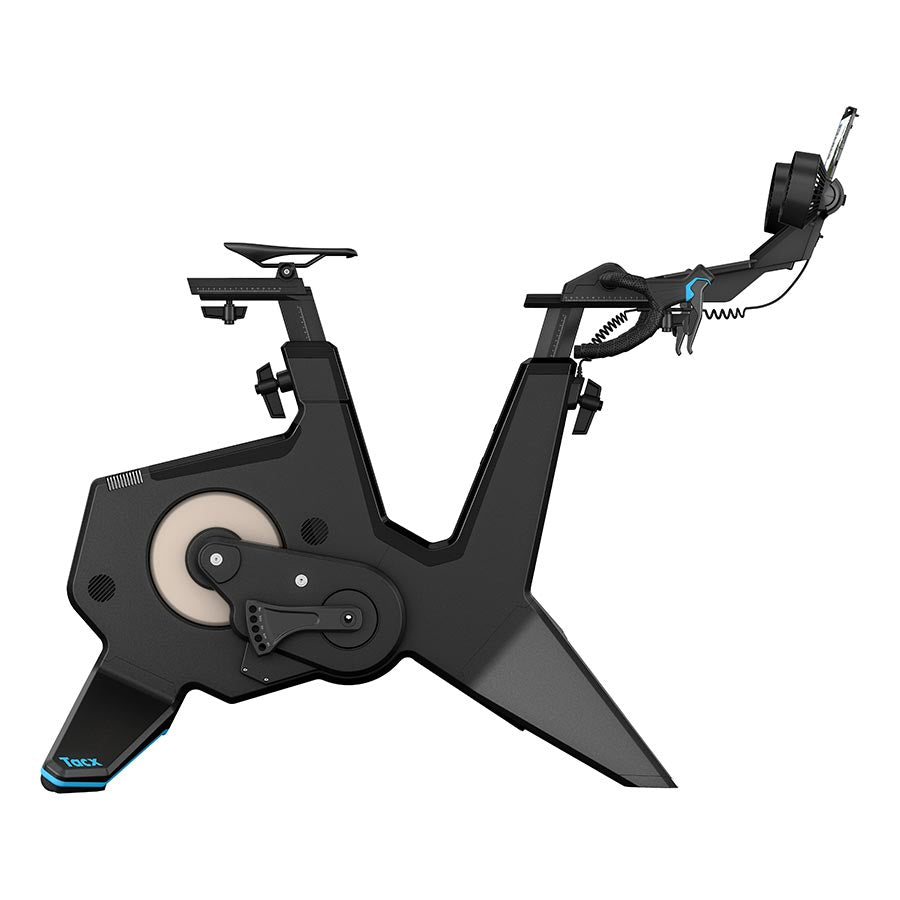
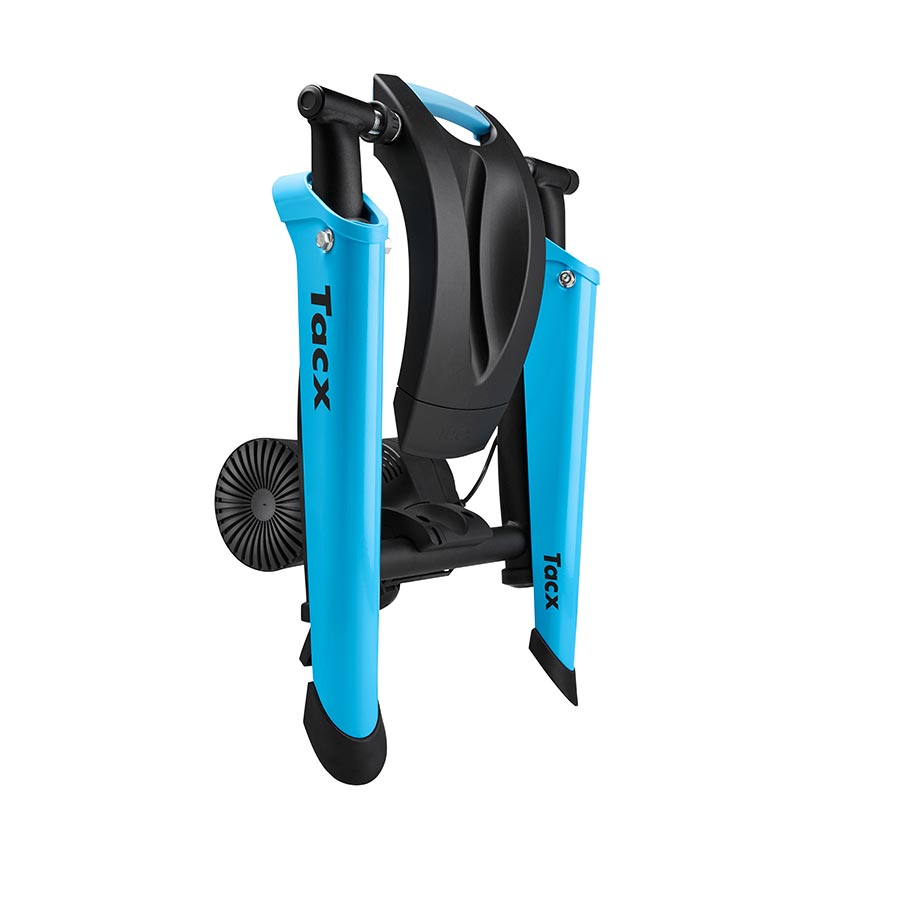
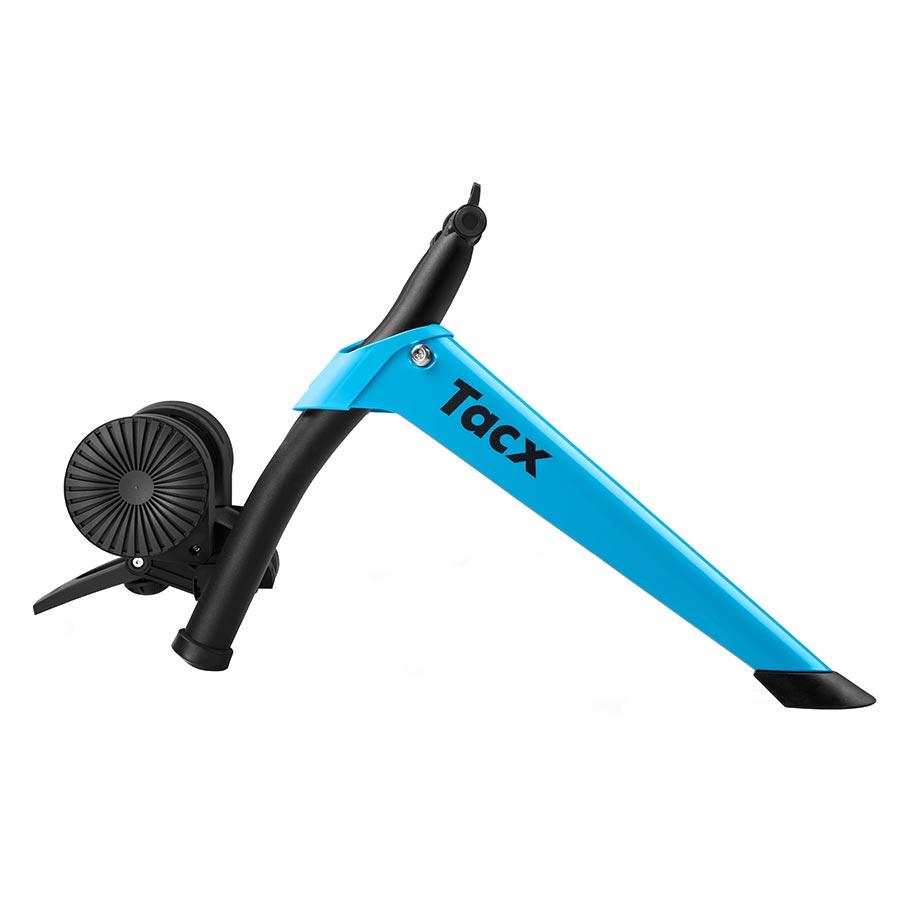
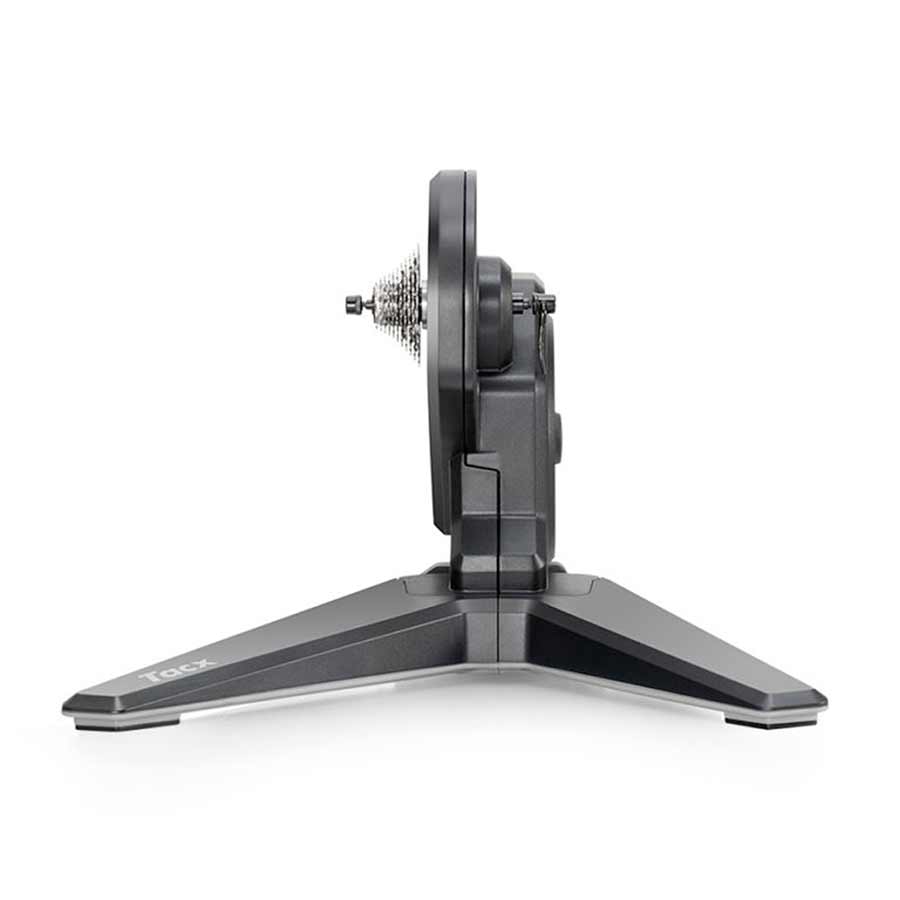
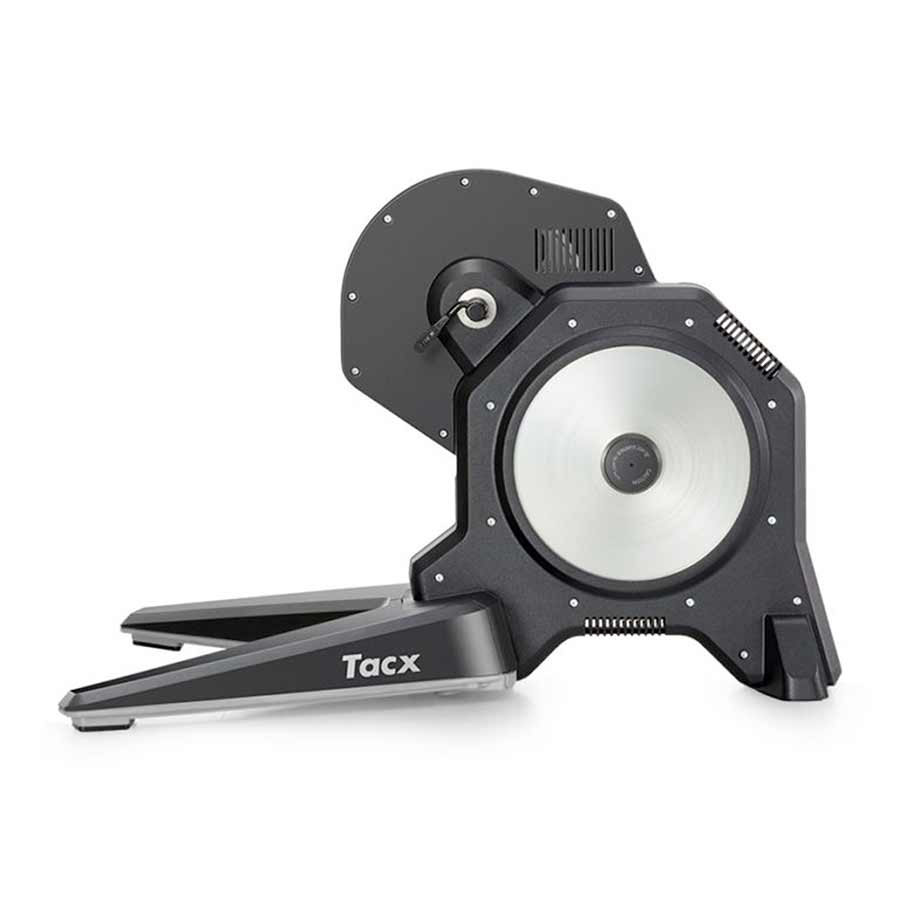
Use a smart trainer, or a regular trainer paired with a compatible power meter.
Run Zwift on a compatible computer, tablet or phone.
A stable connection keeps the group ride and social features running smoothly.
A heart-rate monitor and a good fan are useful additions, but neither is required to join.
Optional voice chat
Some rides use Discord for voice or text chat. It is completely optional, but it makes the ride feel a little more like being out with the group.
Before your first ride
Discord is a free voice, video, and text chat app that's used by tens of millions of people to talk and hang out online with their friends and communities.
In some of our group rides, members choose to use Discord so that they can chat to each other on the ride instead of simply texting each other in-game on Zwift.
It’s optional, but to do this, you need to have the Discord app installed on your mobile device prior to the ride.
Zwift is an online platform that combines cycling with immersive, virtual environments. It allows users to train indoors using smart trainers while interacting with other athletes from around the world. The platform features various courses, structured workouts, and social elements, making it a popular choice for cyclists and fitness enthusiasts looking for motivation and community.
To use Zwift, you'll need:
Plan to be ready around five minutes before the scheduled start time.
Need help getting set up?
Not sure if your bike, trainer or device will work with Zwift? Stop by Day Time Cycling and we can help you sort out the setup before your first ride.
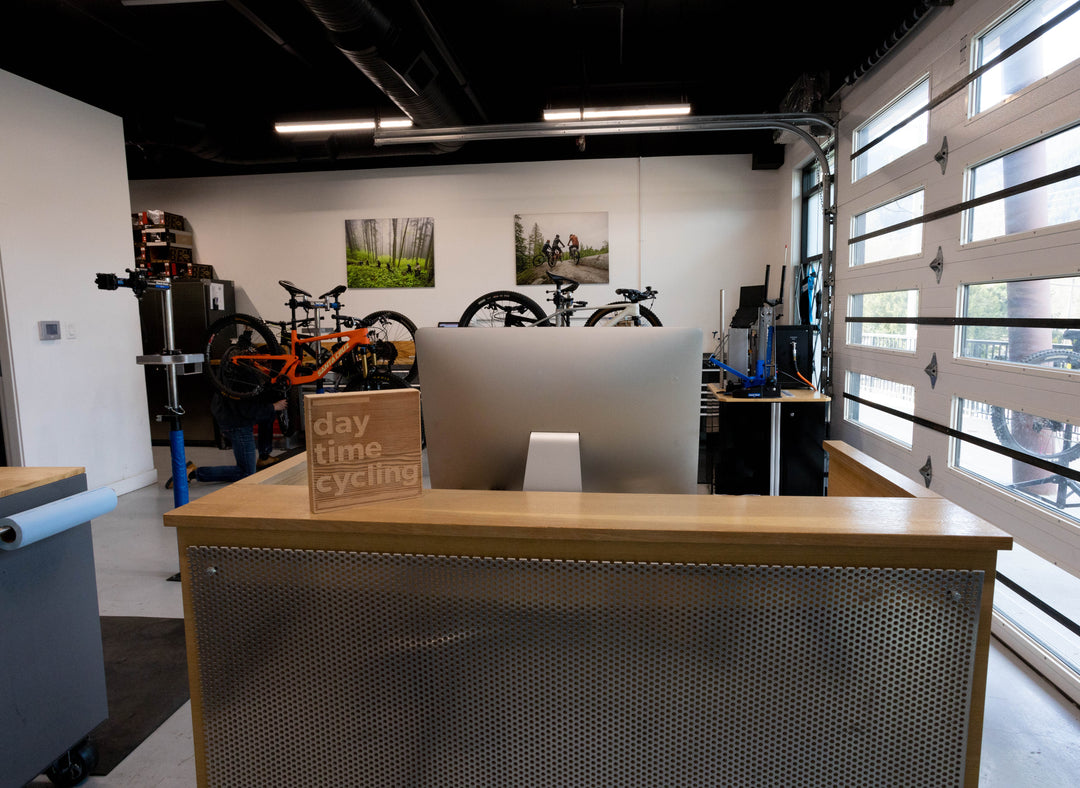
Whether you need a quick tune-up before a big ride or a complete overhaul including suspension service, our comprehensive offerings ensure your bike performs.
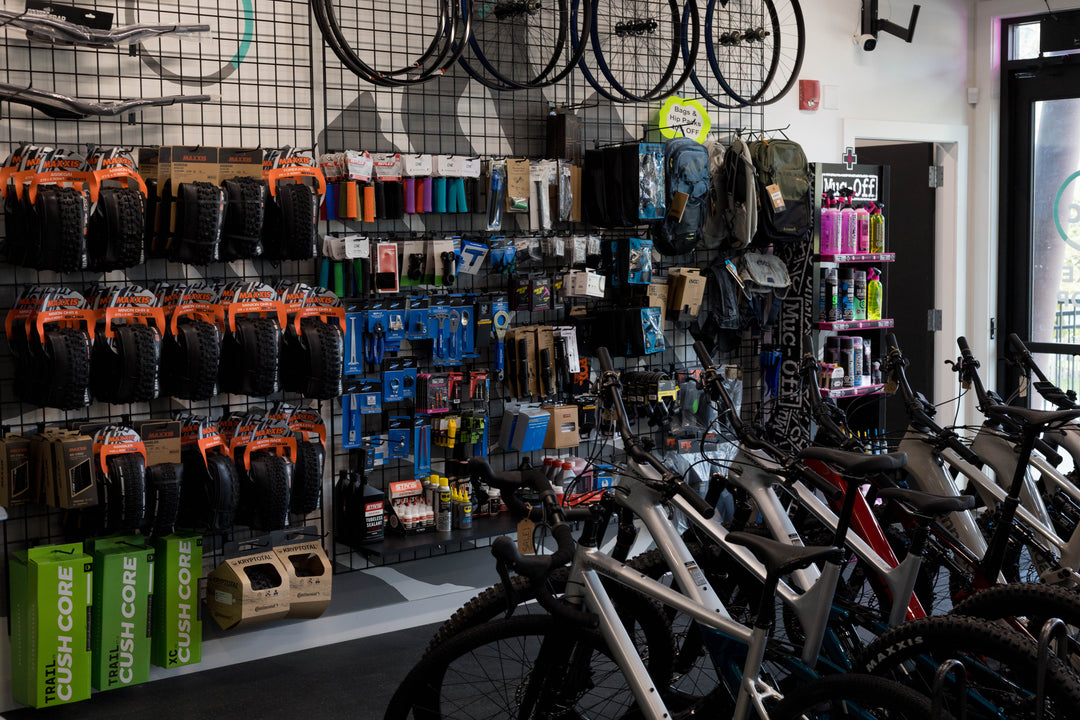
We are a full-service bike shop offering expert repairs, professional bike fittings, and quality gear. Visit us in-store to experience personalized service for all your cycling needs.
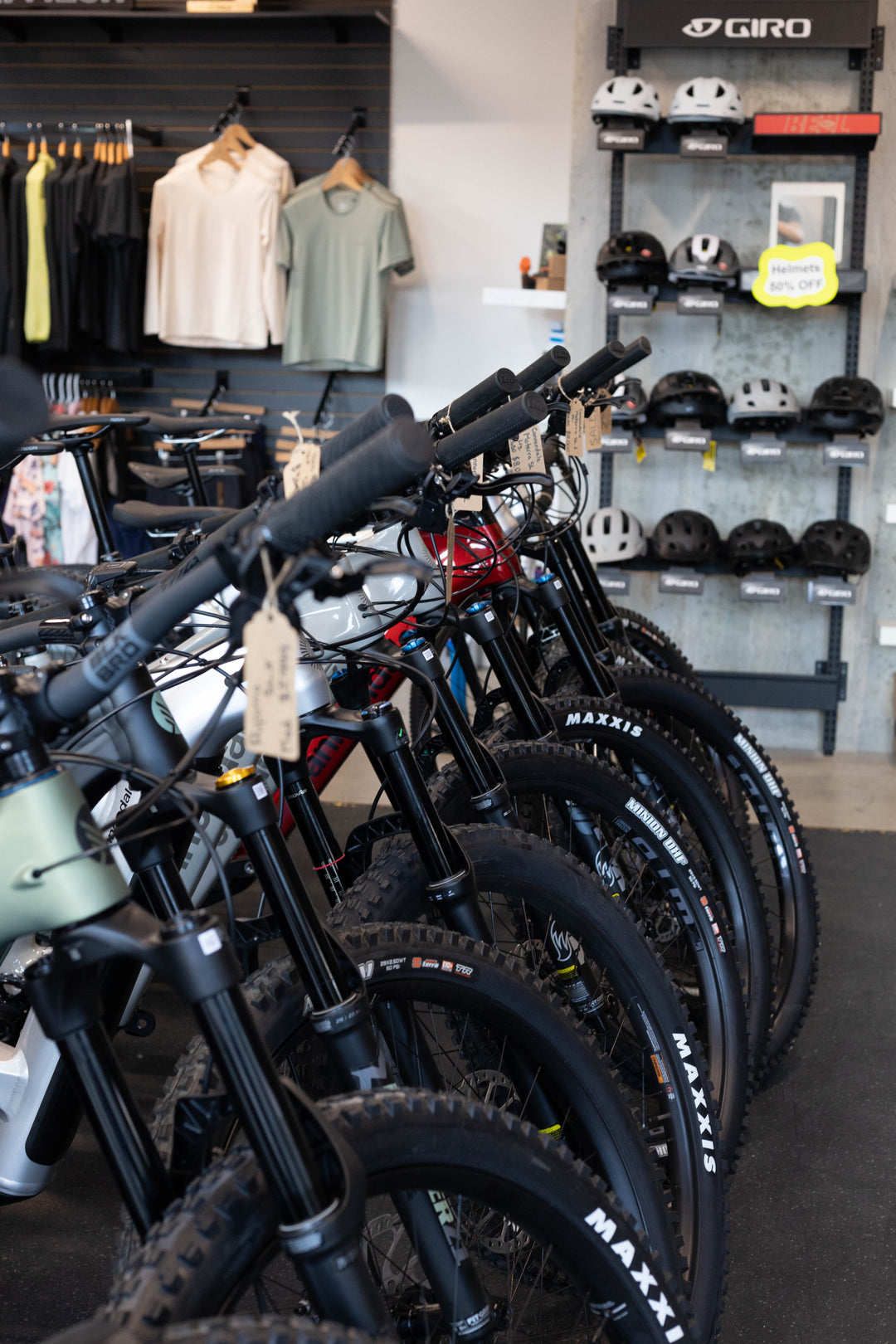
Browse our selection of bikes available right now at our Squamish shop. No waiting required - pick your perfect ride today and hit the trails tomorrow!